Connect your apps
Connect Polar
Revenue milestones from a token that can only read metrics.
2 minAll plansRead-only
What it unlocks
- Your first sale
- MRR and subscriber milestones
- A weekly revenue recap and a monthly numbers post
Connect it
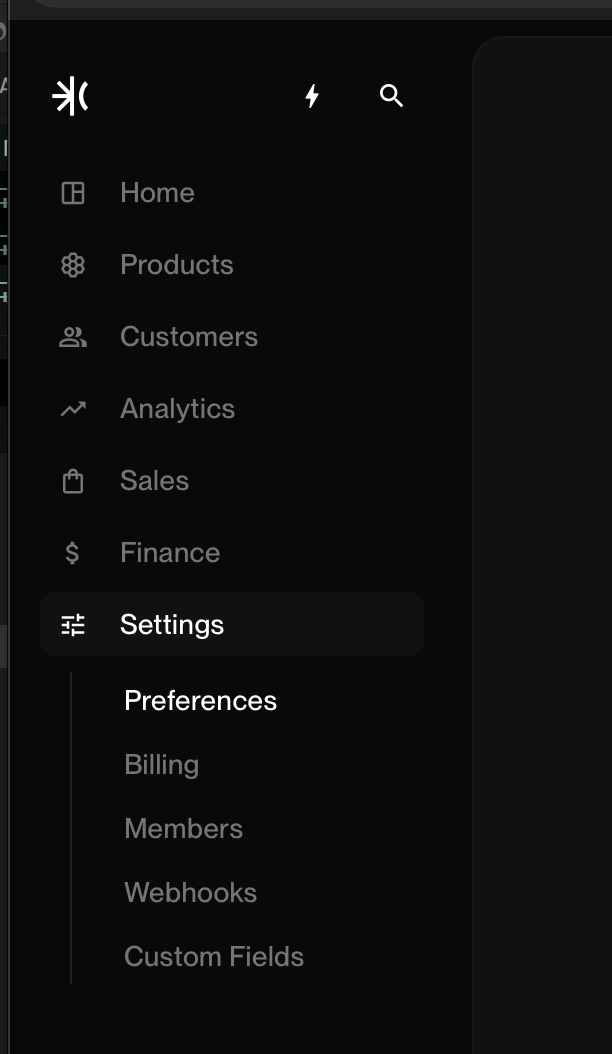
- Open Settings in Polar
- Create a token under DevelopersScroll to Developers and click Create token. Name it
Loudcode.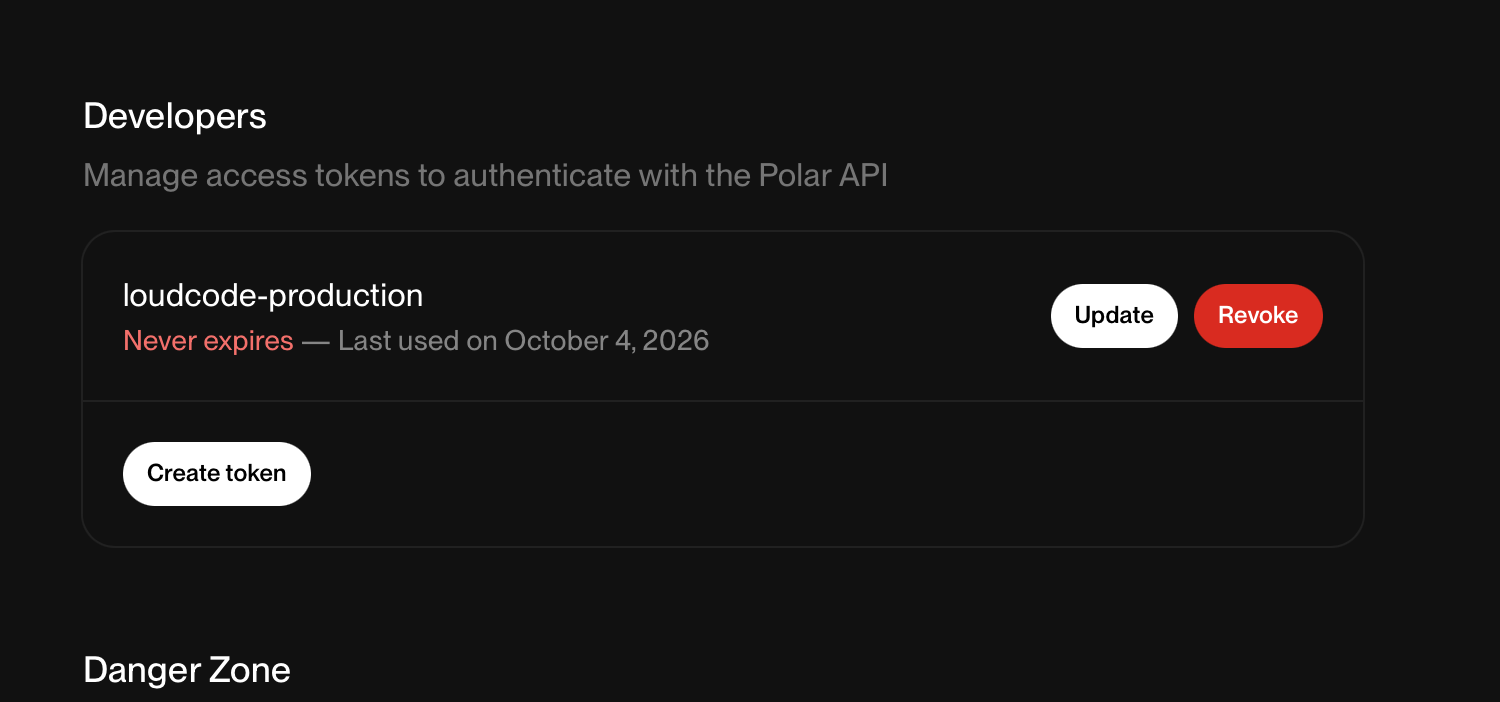
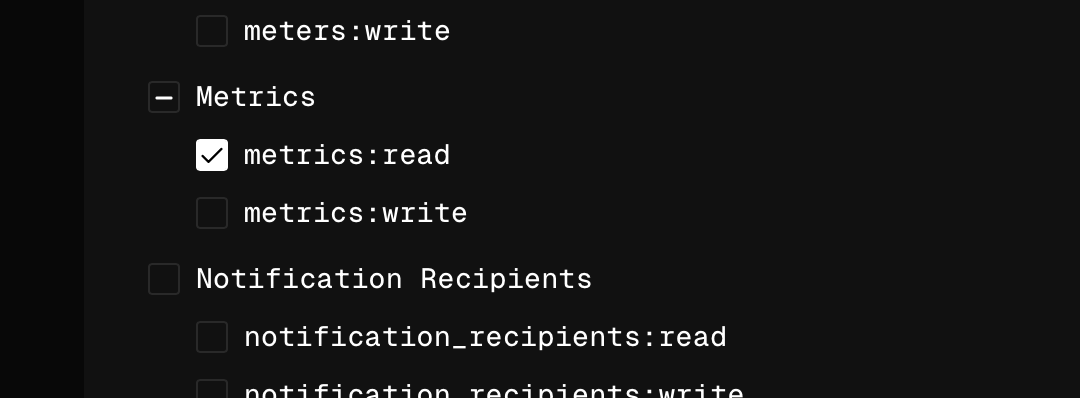
- Tick only metrics:readLeave every other scope off. Loudcode only reads your numbers.
- Paste it into LoudcodeIn Loudcode, open Settings in the sidebar, find Polar under Payments and click Connect. Paste the token (it starts with
polar_oat_). Sandbox tokens work too, for testing.
What Loudcode can see
Loudcode can
- Read your revenue and subscriber metrics
Loudcode can't
- Create products, checkouts or refunds
- See your customers' details
- Change anything in Polar